
Keeping a close watch on your electric meter is one of the best ways to get a handle on your home's energy use and sidestep those surprise high bills. Whether you're looking at an old-school analog model or a modern digital screen, knowing how to read your electric meter is a powerful skill for any homeowner. This guide will walk you through it, step by step, for each type.
Why Bother Reading Your Meter Anymore?
In a world of automatic billing, you might wonder if this is a necessary skill. Absolutely. Learning to read your meter puts you in the driver's seat of your household budget. Instead of just waiting for the utility company to tell you what you owe, you can actively track your consumption in real time.
Think of it as a diagnostic tool for your home. A sudden, unexpected jump in your meter readings is often the first red flag that an appliance is on the fritz. That old freezer in the garage or a malfunctioning pool pump could be silently guzzling electricity. Catching these "energy vampires" early can save you a ton of money and prevent bigger headaches later on.
Take Back Control Over Your Energy Spending
By monitoring your kilowatt-hour (kWh) usage, you start to connect your daily habits directly to your monthly bill. This is where the magic happens. You gain the insight to make smarter decisions, like running the dishwasher or laundry during off-peak hours if you're on a time-of-use plan. It’s the difference between guessing where your money is going and knowing.
Your electric meter tells a story about your home's energy health. Learning its language helps you spot problems, confirm billing accuracy, and ultimately lower your costs.
This proactive mindset is also a key part of your home's overall safety and maintenance. Weird patterns in energy use can sometimes point to deeper electrical issues that need a professional's eye. While it’s no substitute for a full work-up, it’s a great first step. For a complete picture of your home's electrical health, it's always smart to understand the importance of regular electrical inspections.
Before we dive into the "how-to," let's quickly break down what you might see when you look at your meter box. There are three common types out there, especially here in Southwest Florida.
Quick Guide to Electric Meter Types
Here’s a simple table to help you identify which kind of meter you have and the basics of how it’s read.
| Meter Type | Appearance | How to Read |
|---|---|---|
| Analog Meter | A series of small, clock-like dials behind a glass or plastic cover. | Read the dials from right to left, noting the smaller of the two numbers the pointer has just passed. |
| Digital Meter | A simple LCD screen that displays a string of numbers. | Read the numbers directly from the screen, from left to right, just like an odometer. |
| Smart Meter | Similar to a digital meter, but with advanced communication features. | The digital display can be read directly, though it also sends readings automatically to the utility. |
Each of these meters provides the same core piece of information: your total energy consumption in kWh. That number is the foundation for managing your home’s efficiency and keeping your bills in check.
Reading an Analog Dial Meter Without the Guesswork
Ever looked at an old-school analog meter and felt like you were trying to crack a code? With its series of clock-like dials, it can definitely look intimidating. While they might seem like a relic from a bygone era, plenty of homes in the Tampa Bay area still have them.
The good news is, once you understand the simple logic behind it, reading one is actually pretty straightforward.
The most important thing to know is that the dials alternate direction. If one dial spins clockwise, the one next to it will spin counter-clockwise, and so on down the line. Nailing this alternating pattern is the real key to getting an accurate reading.
Decoding the Dials Correctly
To get your reading, you'll work your way across the dials. Most people go from left to right, but either direction works as long as you're consistent. For each dial, you're going to write down the number the pointer has just passed.
Here’s the one quirky rule that trips everyone up: what do you do if a pointer is sitting directly on a number?
- Look at the dial immediately to its right.
- If that right-hand dial's pointer has moved past the zero, you can go ahead and record the number the first pointer is on.
- But, if the dial to the right has not passed zero yet, you have to record the lower number. This is because the first dial hasn't technically completed its full rotation to the higher number.
This simple infographic shows how we've moved from these classic analog meters to the much simpler digital and smart models we see today.
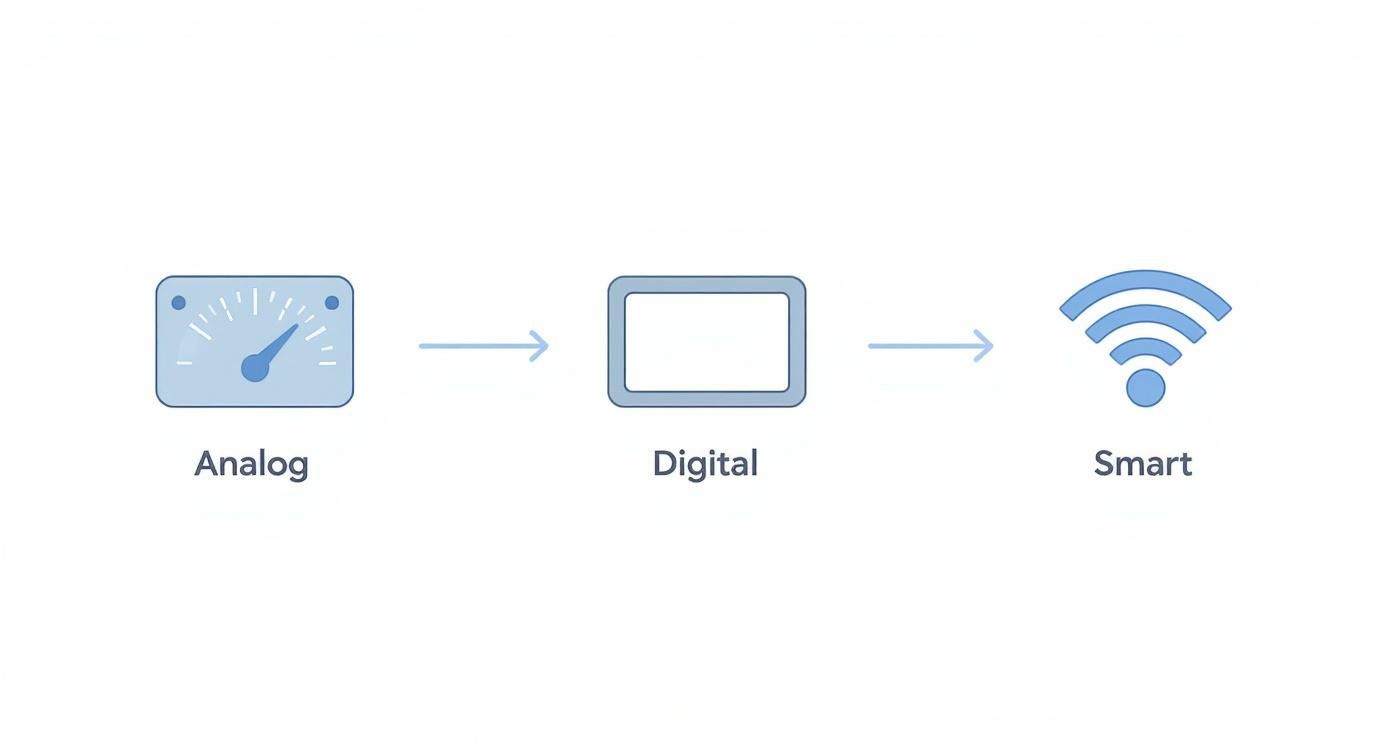
It's a clear progression—from manually interpreting spinning dials to just reading a number off a screen, and now, having the meter report its usage all on its own.
A Real-World Reading Example
Let's walk through a quick example. Imagine your meter has five dials, and you're reading them from left to right.
- First Dial: The pointer is somewhere between 4 and 5. Easy enough. You write down 4.
- Second Dial: The pointer is sitting between 8 and 9. You write down 8.
- Third Dial: This one looks like it's pointing exactly at the 6. Time to use our special rule. We glance at the dial to its right—its pointer has not passed 0 yet. That means we have to record the lower number, so we write down 5.
- Fourth Dial: The pointer is between 2 and 3. Write down 2.
- Fifth Dial: The pointer is between 7 and 8. Write down 7.
Putting it all together, your reading for the month is 48527 kWh.
Key Takeaway: Always use the smaller number when a pointer is between two digits. If it looks like it's dead-on a number, let the dial to the right be the tie-breaker. If that dial hasn't passed zero, stick with the lower number.
If you find that your readings consistently don't line up with your utility bill, or if you just suspect the meter itself is faulty, it could point to a deeper problem. Sometimes, issues with the meter base or its connection require an expert. This is especially true for older homes that might need professional wiring and rewiring services.
How to Navigate Your Digital Electric Meter
If you've ever felt intimidated by an old-school analog meter with its confusing array of dials, you'll find digital meters to be a breath of fresh air. If your electric meter has an LCD screen displaying a row of numbers, you’ve got a digital one. Thankfully, reading it is just about as easy as checking the odometer on your car.
These meters take all the guesswork out of tracking your home’s energy use, making life a little simpler for homeowners here in the Tampa Bay area.
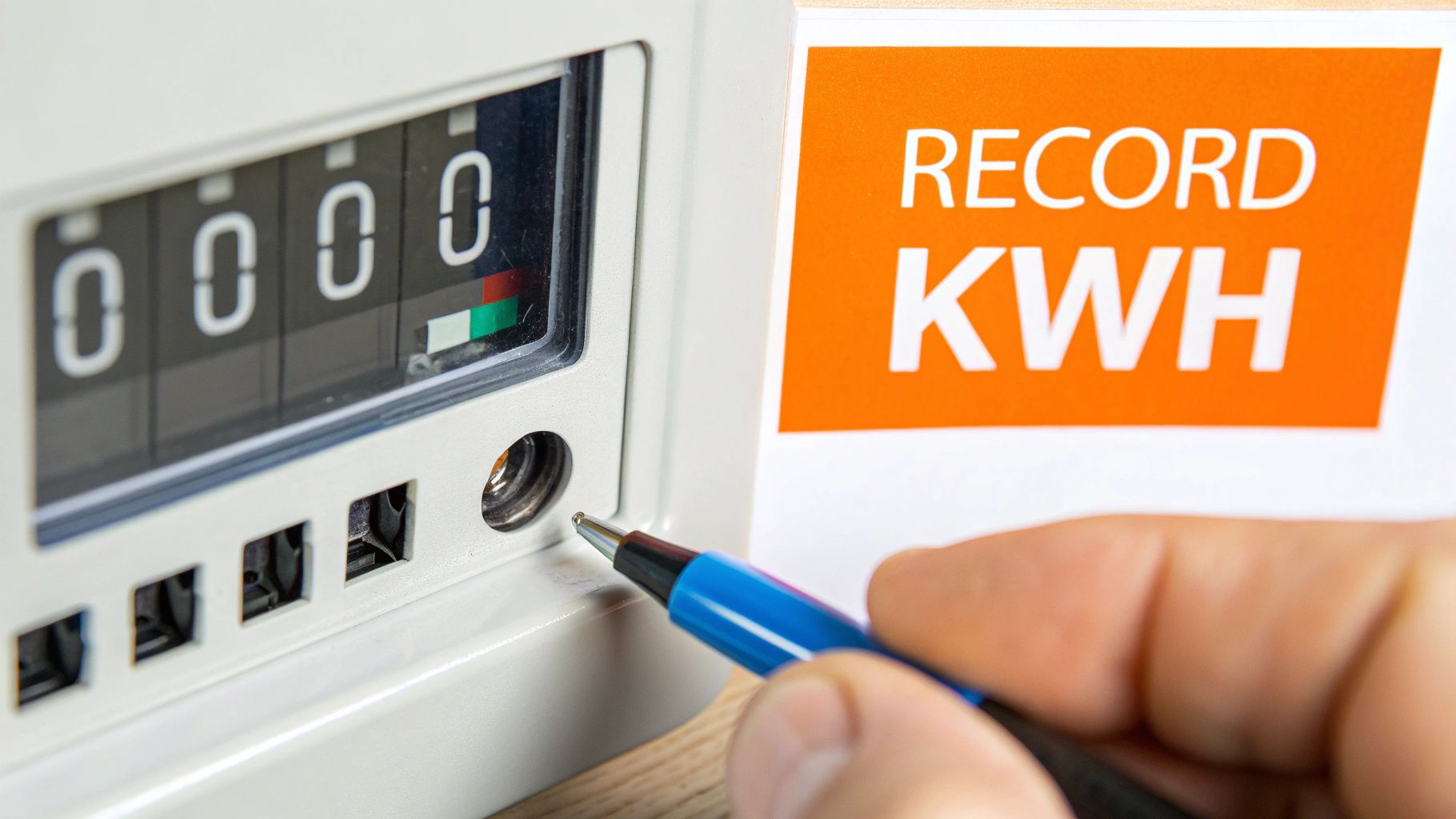
Unlike their analog cousins, digital meters show your energy usage in a single, clean line of numbers. The one you're really looking for is your total consumption in kilowatt-hours (kWh). This is the main figure your utility company—whether it’s FPL, TECO, or Duke Energy—uses to calculate your bill.
Identifying Your Main kWh Reading
Most digital meters are designed to be pretty user-friendly. When you glance at the display, you'll probably see it cycle through several different pieces of information automatically. Don't let that throw you off; your only mission is to find the screen that clearly shows "kWh" next to the numbers.
For instance, your meter might flash the date, the time, and a segment check screen (where all the numbers light up at once to show the display is working). Just hang tight for a moment, and your total kWh reading will pop up.
The total kilowatt-hour (kWh) reading is the most important number on your digital meter. This cumulative total is what you'll use to verify your bill and track your monthly energy use.
On some models, you might need to press a button to cycle through the displays yourself. The key is just to be patient and watch for that kWh indicator. Once you spot it, just jot down the numbers from left to right. If you see any digits after a decimal point, you can usually just ignore them.
Understanding Display Codes and Error Messages
Today's digital meters do a lot more than just track your total usage. They also communicate their status through various display codes. While the specific codes can vary a bit between manufacturers, a few are pretty standard.
Here are some common displays you might run into:
- Segment Check: A screen showing "888888…" is just a routine self-test to make sure every part of the LCD is working. It's completely normal.
- Date and Time: Many meters will briefly show the current date and time for reference.
- Error Codes: Seeing something like "Err" or a specific code (like "E-1") points to a potential problem. If you see an error code that doesn't go away, it's a good idea to snap a picture of it and give your utility provider a call for guidance.
Let’s walk through a quick example. Say your reading last month was 34500 kWh, and when you check it today, it reads 35650 kWh. To figure out your usage for the billing period, you just do some simple subtraction:
35650 kWh (Current) – 34500 kWh (Previous) = 1150 kWh used
With this quick calculation, you can easily double-check your utility bill’s accuracy each month. It's a simple step that gives you the power to make sure you’re only paying for the electricity you've actually used.
Using Your Smart Meter to Find Savings
Smart meters are a huge leap forward from the old digital models. They don't just track your usage for the monthly bill—they’re powerful tools for actively managing your home's energy consumption.
While the box on the side of your house might look similar, the real magic is the constant stream of data it sends directly to your utility. This opens up a whole new level of insight that can lead to real, tangible savings.
This technology automates the entire meter-reading process, so you can say goodbye to billing errors from estimates or a missed reading. It’s no surprise that smart meters are becoming the standard; they made up 55.8% of the market in 2025, driven by homeowners who want real-time energy monitoring and better control over their bills.
Accessing Your Real-Time Energy Data
The single biggest advantage for homeowners is getting access to your own detailed usage data. Most of our local Tampa Bay providers, like TECO and FPL, give you access through an online portal or a mobile app. Once you log in, you'll see a breakdown of your electricity consumption that’s way more useful than just a single number on your bill.
You can usually slice and dice your usage patterns in a few helpful ways:
- Hourly Breakdown: See the exact times of day your home is pulling the most power.
- Daily Trends: Compare your energy use day-to-day. You’ll quickly see how weekend activities versus weekday routines impact your bill.
- Monthly Comparisons: Track your progress over time to see if those energy-saving habits are actually paying off.
This detailed view lets you pinpoint exactly when and why your energy consumption spikes. For instance, you might discover that your old pool pump is an energy hog running at the worst possible time, or that your AC unit is working overtime during those peak afternoon hours. Armed with that knowledge, you can make targeted changes, like running the dishwasher at night or adjusting your thermostat by a few degrees when you're not home.
Using Data to Make Smarter Choices
These utility portals often go beyond simple monitoring by giving you tools to take action. You can typically set up high-usage alerts that ping you with an email or text if your consumption crosses a certain threshold, helping you sidestep a shocking bill at the end of the month.
Tapping into your smart meter's data transforms you from a passive consumer into an active manager of your home's energy. It’s the difference between guessing where your money is going and knowing exactly where to make adjustments for maximum savings.
If you have an EV, understanding the real electric car charging costs and using your smart meter to track them is a game-changer for finding savings.
As our homes adopt more power-hungry technology, it's also critical to make sure your electrical system can handle the load. If your data shows consistently high usage, it might be a sign you need to look into home electrical panel upgrades to safely support your modern energy needs. By using the data your smart meter gives you, you can make informed decisions that lower your bills and make your home more efficient.
Important Safety Checks Around Your Meter
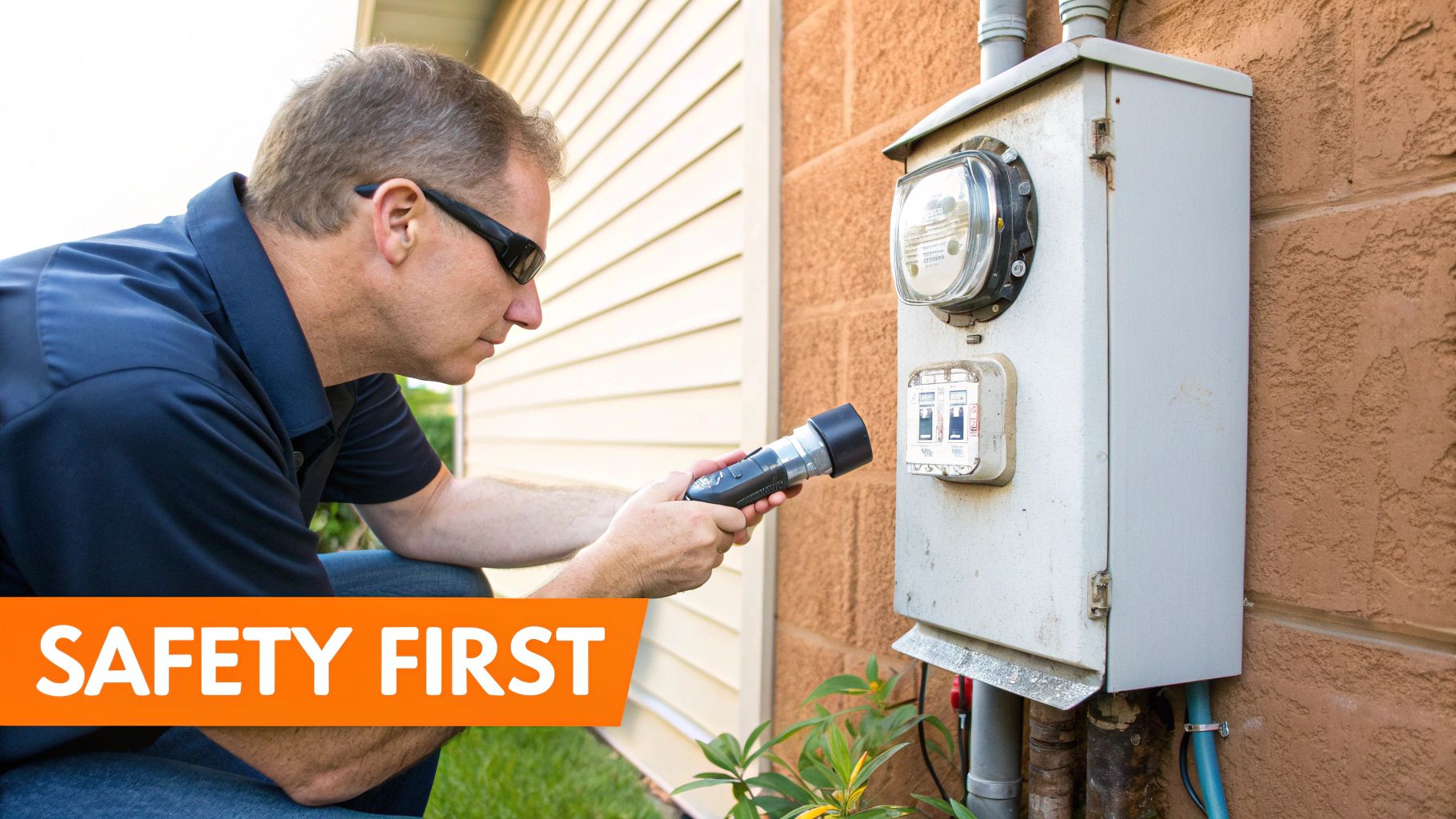
While checking your own meter is usually a safe and simple task, it’s always smart to be aware of your surroundings before you get started. Think of your meter box as the main gateway for your home's entire electrical supply—treating it with a healthy dose of caution is non-negotiable.
Before you even think about jotting down numbers, just take a moment to do a quick visual scan of the meter and its enclosure. A little bit of mindfulness here can go a long way in preventing a dangerous situation for you and your family.
What to Look For Before Reading Your Meter
Your main goal here is to make sure the area is safe and the equipment looks like it’s in one piece. You’re just keeping an eye out for any immediate red flags that might signal a problem.
Here are a few things to check for from a safe distance:
- A Clear Path: Make sure the area around your meter is free of overgrown bushes, kids' toys, or standing water, especially after one of our classic Florida downpours.
- Signs of Pests: Wasps, ants, and other critters sometimes decide your meter box is the perfect spot to build a home. Check for nests or insect activity before you get too close.
- Physical Damage: Look for obvious damage to the meter box itself, like big dents, rust, or a cover that isn't securely attached to the wall.
These quick checks are a simple but effective way to make sure you have a safe interaction every time you go to read your meter.
Never, ever touch or try to open your meter box. The high-voltage components inside are extremely dangerous and should only be handled by a qualified utility technician or a licensed electrician.
When to Keep Your Distance and Call a Professional
Some issues are more serious than a stray bush and need immediate professional help. If you spot any of the following problems, do not touch the meter or anything around it. Instead, call your utility provider's emergency line right away.
These are the critical warning signs:
- Exposed or Frayed Wires: This is a major electrical hazard. Keep a safe distance and call your utility company immediately.
- A Broken Seal: That little tag or lock on the meter is put there by the utility company for a reason. If it's broken, it could indicate tampering or another serious issue.
- Cracked or Broken Glass/Plastic Cover: The casing protects the delicate guts of the meter from the elements. A crack compromises that protection and can be dangerous.
- Evidence of Scorching or Melting: Any burn marks on or around the meter box are a huge red flag. This suggests a severe electrical problem that needs urgent attention.
Knowing your limits is key. While reading your meter is a great DIY task, understanding fundamental electrical safety tips helps you recognize when a situation is best left to the experts.
Still Have Questions About Reading Your Electric Meter?
Okay, so you’ve got the basics down for reading your meter. But let's be honest, knowing how to do something and applying it in the real world are two different things. It’s totally normal for new questions to pop up once you start putting this knowledge to use.
This is where we tackle the common questions we hear all the time from homeowners right here in the Tampa Bay area. My goal is to clear up any lingering confusion so you can use your meter readings with confidence.
A lot of questions these days are about the jump to newer technology. Smart meters are becoming the new normal, and they're changing the game for both homeowners and utility companies. It’s a massive global trend—the smart meter market is projected to rocket from USD 27.9 billion in 2025 to USD 51.6 billion by 2032. This isn't just a fad; it's driven by major government initiatives to modernize our electrical grids and push for better energy efficiency. You can get more details on this shift from market analysts like Future Market Insights.
Why Is My Bill So High if the Reading Is Right?
This is probably the number one question we get. You've double-checked your meter reading, it matches the bill, but the total still makes your jaw drop. What gives?
A correct meter reading is just one piece of the energy puzzle. If the numbers line up but the bill feels wrong, it's time to play detective inside your home.
Often, the culprit is a faulty appliance sucking up extra power (we call this a "vampire load") or simply a change in your daily habits. Did you have guests staying over? Was there a brutal heatwave that made your AC work nonstop? It could even be a recent rate hike from your utility provider that you missed.
If you think an appliance is the energy hog, you can use your meter to find out. Start by turning off or unplugging everything you possibly can. Go look at the meter. An old analog meter's disc should slow to a crawl, and a digital meter's light should pretty much stop blinking. Now, start turning things on, one by one. If you flip on the spare freezer and the meter suddenly goes wild, you’ve likely found your problem.
A high bill with a correct reading isn't a dead end—it's a signal. It's your home's way of telling you it's time for an energy audit to find those hidden costs.
How Often Should I Read My Meter?
For most people, a quick check once a month is perfect. A great habit to get into is reading your meter a day or two before your billing cycle closes. This gives you a solid number to compare with the utility company's statement, keeping them honest and helping you catch any discrepancies early.
There are times when checking more often makes sense, though. If you're on a mission to lower your energy consumption or just installed a power-hungry appliance like a new central AC unit, weekly readings can be a real eye-opener. You'll see the direct impact of your efforts (or your new appliance) on your kilowatt-hour usage.
What if My Meter Looks Broken or Tampered With?
Let me be crystal clear on this: your safety is paramount. Never, under any circumstances, try to fix, open, or mess with a damaged electric meter. That box contains high-voltage components that are incredibly dangerous.
If you spot any of these red flags, stay back and call your electric utility's emergency number immediately:
- The glass cover is cracked or shattered
- There are loose, frayed, or exposed wires
- The utility company's seal is cut or missing
- You see any signs of scorching, melting, or burn marks
These are jobs strictly for a trained professional. While this guide is all about reading your meter, learning how to safely diagnose electrical issues with your appliances, like how to test a heating element, is another great skill for a homeowner. And just for context, understanding how other electrical gauges work—like understanding golf cart battery gauges—can broaden your overall knowledge of electrical measurement.
At Heatwave Air Conditioning, Plumbing, & Electric, we’re the team you call when your energy questions point to a bigger electrical issue. If you suspect a problem with your home’s wiring, electrical panel, or a major appliance, our certified technicians are ready to provide safe, professional solutions. Visit us at https://www.heatwavehvac.com to schedule a service and make sure your home is running both safely and efficiently.